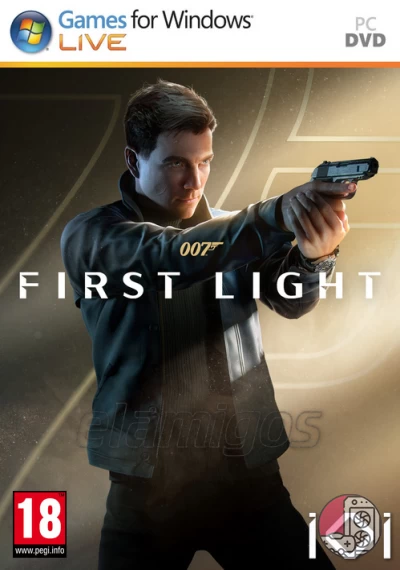
Requirements
Minimum requirements
Requiere un procesador y un sistema operativo de 64 bits
SO: Windows® 11 64bit
Procesador: AMD Ryzen™ 3 2300X / Intel® Core™ i3-8100
Memoria: 8 GB de RAM
Gráficos: AMD Radeon™ RX 460 / Intel® Arc™ A380 / NVIDIA® GeForce® GTX 750 Ti
DirectX: Versión 12
Almacenamiento: 15 GB de espacio disponible
Notas adicionales: * Screen Resolution: 1280 x 720 *Onboard GPUs (CPU-integrated graphics) are outside the scope of supported specifications. * The game may not run properly on systems using Intel Arc which do not meet the requirements for Resizable BAR. * The game has been tested on Windows 10 machines with the same specifications; however, as Microsoft support for the OS will end on October 14, 2025, this falls outside of the scope of supported specifications.
Recommended requirements
Requiere un procesador y un sistema operativo de 64 bits
SO: Windows® 11 64bit
Procesador: AMD Ryzen™ 3 2300X / Intel® Core™ i3-8100
Memoria: 8 GB de RAM
Gráficos: AMD Radeon™ RX 470 / Intel® Arc™ A380 / NVIDIA® GeForce® GTX 750 Ti
DirectX: Versión 12
Almacenamiento: 15 GB de espacio disponible
Notas adicionales: * Screen Resolution: 1920 x 1080 *Onboard GPUs (CPU-integrated graphics) are outside the scope of supported specifications. * The game may not run properly on systems using Intel Arc which do not meet the requirements for Resizable BAR. * The game has been tested on Windows 10 machines with the same specifications; however, as Microsoft support for the OS will end on October 14, 2025, this falls outside of the scope of supported specifications.
Observations
ElAmigos release. Updated to version 1.4.0 (17.11.2025); 2 DLC are included.
Release is using Hypervisor bypass by DenuvOwO team. Instructions:
- install game
- educate yourself first by reading _Info.txt and DenuvOwO.nfo; CPU virtualization must be enabled in BIOS (some motherboards have it enabled as default setting)
- start as Administrator "VBS.cmd" from game folder, press 1, restart computer, then on the next boot press F7 when new window will show up (driver signature OFF)
- start from desktop icon
Once you make it work, any other game with Hypervisor can be installed and played from desktop icon (as long as you don't restart/shutdown PC - then again VBS.cmd > 1 > reboot > F7 > desktop icon)